
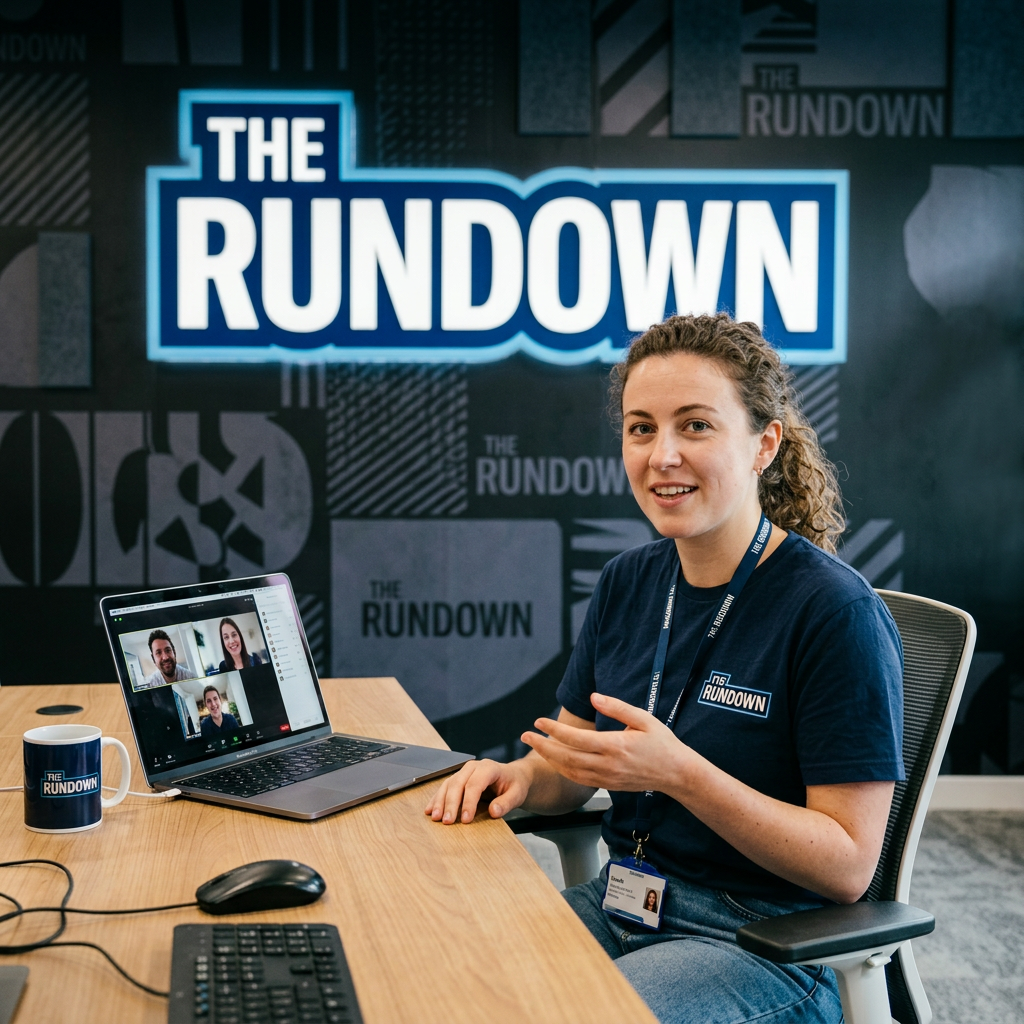
Somewhere along the way, people started acting like a company live stream needs a control room, six producers, a countdown clock, and someone named Brad yelling, “Take Camera Two!”
It does not.
You can start with a laptop, a camera, a decent internet connection, and something useful to say.
That is all.
A company broadcast can be simple, casual, and actually helpful. It can be fifteen minutes. It can answer real questions. It can explain updates, share training, highlight a process, or bring in a subject matter expert without turning everything into another meeting.
Start small.
- One person on camera. Maybe two.
- A clear topic.
- A short agenda.
- A few slides if they help.
- A quick demo.
- A guest from another department.
- A question box.
- A poll.
- A “here’s what changed” segment.
- A “things people keep asking” segment.
That is a show.
Not a fancy show, but a useful one.
The live part matters because people can ask questions, react, and hear context from a real person.
This does not mean every training needs theme music and dramatic lighting. But a regular broadcast can create a helpful rhythm: weekly updates, monthly training spotlights, new hire Q and A sessions, technology tips, leadership conversations, process walkthroughs, and open office hours.
And no, you do not need three cameras to explain a new software workflow.
Later, you can add more if the format works.
- Maybe two PTZ cameras so you can switch between a host and guest.
- Maybe a better microphone.
- Maybe simple production software that lets you move between camera, slides, videos, screen shares, and names on screen without looking like you are wrestling the laptop.
But those are next steps, not the starting line.
Live interaction is where this format gets interesting.
- Ask employees to vote on the next topic.
- Let them submit questions ahead of time.
- Use chat.
- Try a quick quiz.
- Run a poll.
- Ask people what they would do in a scenario.
- Bring in an expert and let employees try to stump them.
That interaction gives you feedback. If everyone asks the same question, that tells you something. If the poll results are scattered, that tells you something. If people keep rewatching the same part of the recording, that tells you something too.
The first broadcast may be awkward. Someone will talk while muted. A screen share may briefly reveal the wrong tab. Someone will inevitably ask, “Can everyone see my screen?”
That is fine. Start anyway.
A simple episode could be: welcome, topic, quick demo, employee question, live poll, expert answer, resource link, done.
A company live stream does not need to be perfect. It needs to be useful, easy to follow, and worth people’s time.
Start with the laptop.
